
January 11, 2026 · 2 min read
How to Use the Sticker Sidebar for Precision Editing
Master the advanced properties of Pins, Routes, and Regions with the element panel and its Style and Timing tabs.
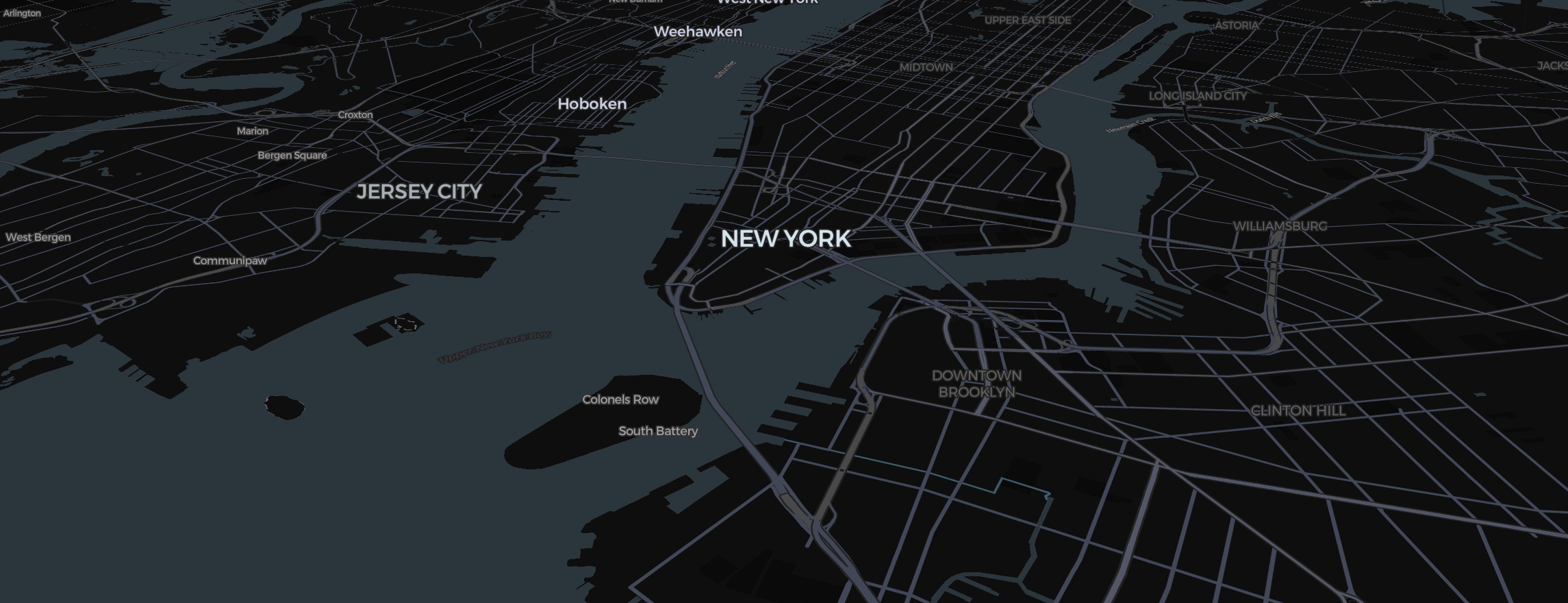
The Mapimator Studio is designed for speed, but the real power lies in the properties you can't see on the map. Whenever you select an element—whether it's a pin, a route, or a region—the element panel opens on the right. This panel was called the Sticker Sidebar in earlier versions. It has a Style tab for how the element looks and a Timing tab for when it appears and disappears.
1. The Power of "Transport Mode"
When a Route is selected, the Style tab lets you change how the line behaves.
- Driving: Snaps to road networks.
- Flight: Creates a Geodesic arc.
- Direct: Connects points with a straight line, perfect for maritime paths.
2. Visual Property Overrides
Don't settle for defaults.
- Width: Make your routes bold for GTA-style social reels or thin for VOX-style documentaries.
- Dashed Line: Toggle it on for shapes and lines to get a tactical, technical look.
- Opacity: Use the slider to make your highlights subtle or strong.
3. Animation and Timing Controls
The element panel is where you define how an element "enters" the scene (the animation effect in the Style tab) and when it is on screen. In the Timing tab, Appears at and Disappears at let you pick a slide or an exact second.
- Draw: Traces a route or border.
- Pulse: Keeps a pin or region subtly glowing, perfect for disease tracking timeline visuals.
- Drop: Makes a pin fall gracefully from the top of the screen.
4. Deleting & Managing
- The element panel is the safest place to Delete an element if it’s buried under other elements; the Elements list is another.
- You can also edit the element's label here, ensuring your project stays organized as you add more Slides.
To ensure your precision edits are reflected in the final output, always let the export's map prewarming step finish before exporting. This ensures that every stroke width and animation timing is perfectly cached for a crisp, high-definition result (4K is a Pro export option).