
December 30, 2025 · 1 min read
The Beginner's Guide to AI Director Prompts
How to talk to Mapimator's AI to generate complex map animations with simple natural language.
By Mapimator Editorial#AI#Productivity#Tips
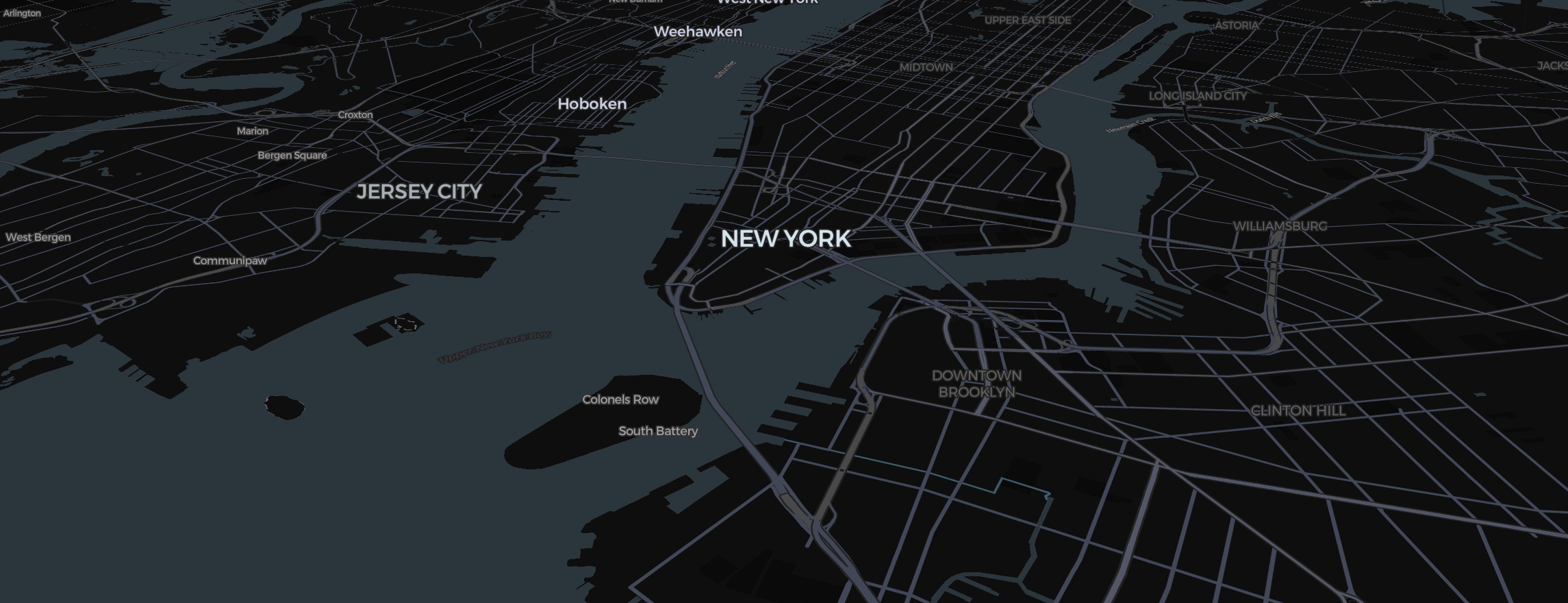
The AI Director is your shortcut to building complex stories. Instead of manually searching for 10 cities and drawing flight paths between them, you can simply ask. But like any AI, the quality of the result depends on how you ask.
Structure Your Request
A great prompt has three parts: The Data, The Style, and The Camera.
- The Bad Prompt: "Show a trip to Europe." (Too vague).
- The Good Prompt: "Start in London, draw a car route to Paris, then a flight to Rome. Highlight Germany in red using the Region tool."
Keywords the AI Loves
The AI Director understands the specific tools in our Studio. Use these terms:
- "Highlight": Tells the AI to highlight countries with the Region tool, including groups such as NATO or ASEAN.
- "Orbit": Requests a 360-degree camera move around a pin.
- "Vertical": Reminds the AI to frame everything correctly for mobile.
Refinement Loop
If the AI doesn't get it perfect the first time:
- Use the Slides view at the bottom to adjust any slides it created.
- Click "Retake Slide" in the card menu to fix the camera angle.
- Use the map type picker (the map thumbnail at the bottom left) to change the vibe from Satellite to Dark.
The AI Director is designed to handle the heavy lifting of documentary mapping, letting you focus on the creative story!