
January 15, 2026 · 1 min read
How to Replicate VOX-Style Map Animations
Master the minimalist, informative, and cinematic look of modern documentary mapping.
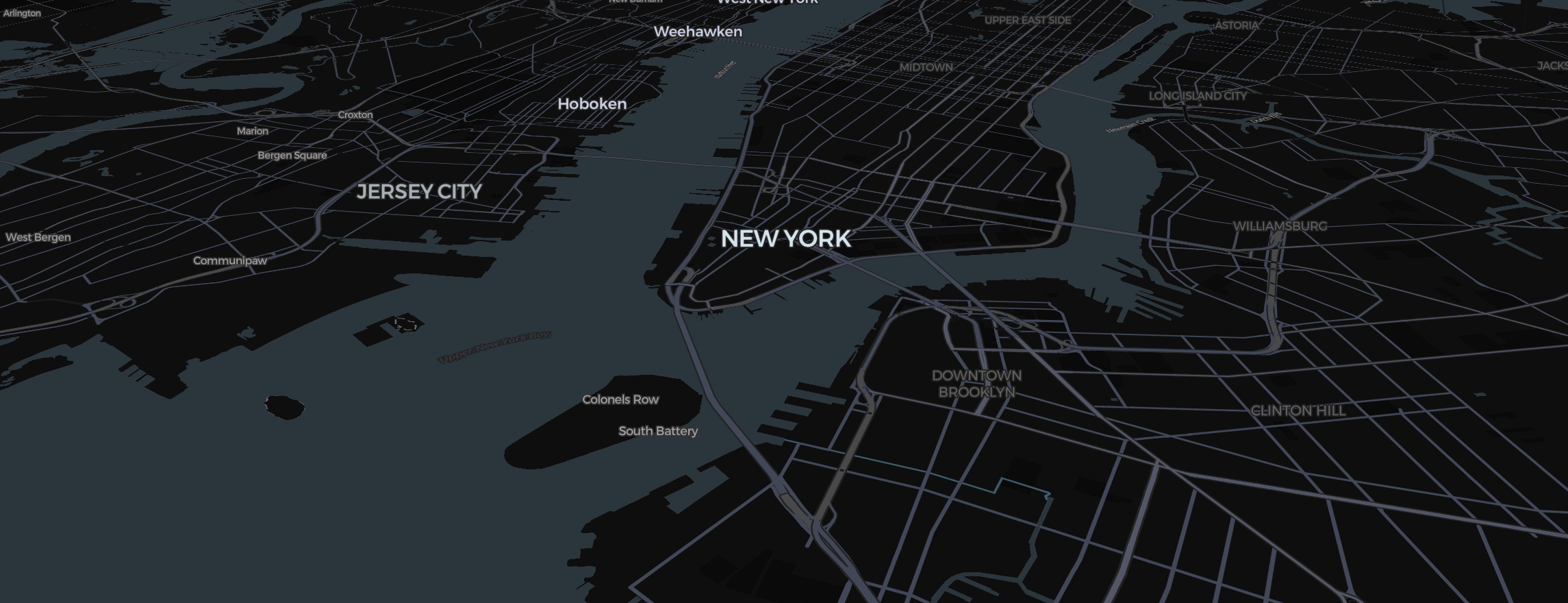
The "VOX style" of map animation is beloved for its clarity, its minimalist data visualization, and its buttery-smooth camera movements. In Mapimator, achieving this look is all about "less is more."
1. The Right Palette
VOX maps rarely use dark colors.
- Map Style: Select Light or Classic. These provide a clean, "paper-like" background.
- Labels: Turn off all unnecessary map labels with the Labels switches in the map controls. Use your own text elements for the ones that actually matter to the story.
2. Minimalist Data
- Routes: Use a thin (2px) line with a muted color (like a dusty red or a slate blue).
- Regions: Avoid high opacity. Use the Region tool (how it works) and set the fill Opacity to about 20%. This highlights the area without obscuring the geography.
- Pins: Use the Dot Style. It’s cleaner and more modern than a standard pin icon.
3. The Camera Physics
VOX camera moves are all about Easing.
- Always use Smooth Easing.
- Keep your durations long. A move from one city to another should take at least 3.0 to 4.0 seconds.
- Use the Tilt (Right Click + Drag) to give the map a slight 3D perspective, making it look deeper and more cinematic.
4. The Narrative Reveal
In your Storyboard, name each slide card to label your scenes. This helps you maintain a clear narrative arc as you transition through the data.
Before you export your VOX-style video, always let the export's map prewarming step finish. High-resolution labels and clean backgrounds need every tile to be perfectly loaded to maintain that professional, minimalist look.