
January 2, 2026 · 1 min read
Marketing Your Business with Custom Map Animations
How to showcase store branches, headquarters, and service regions in your corporate videos.
By Mapimator Editorial#Business#Marketing#Case-Study
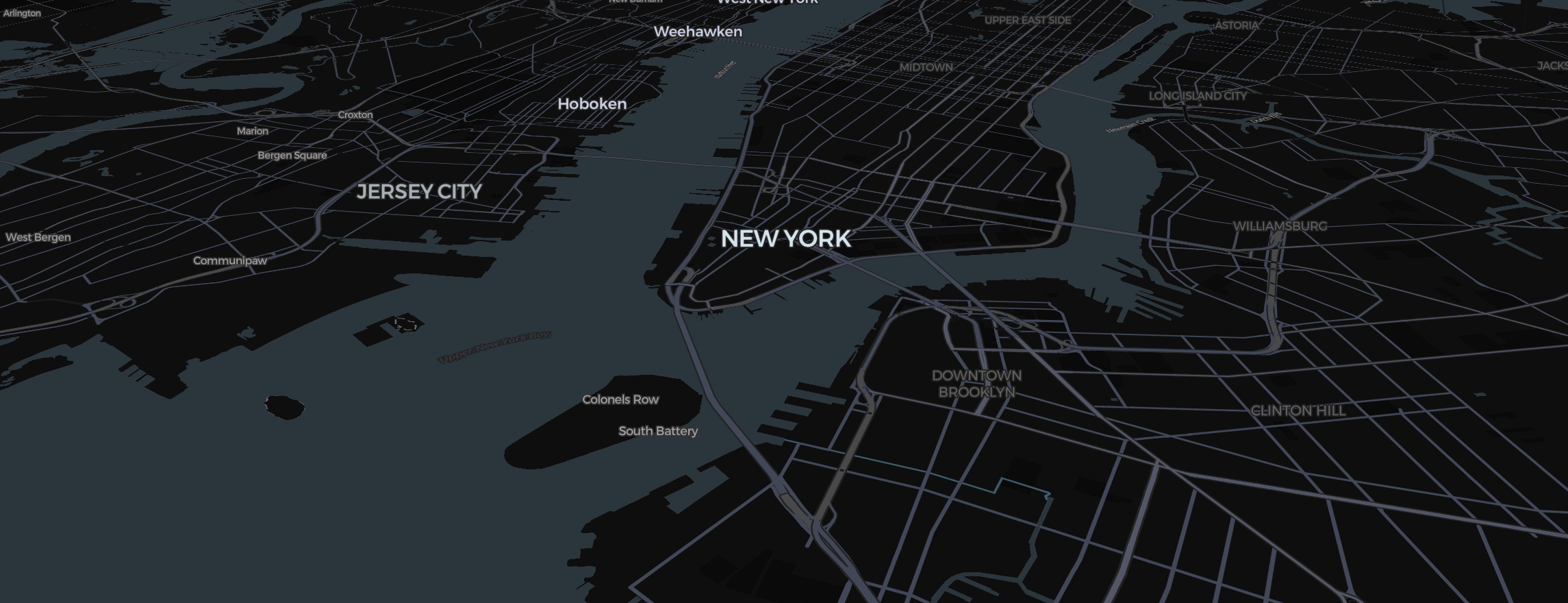
For a business, a map isn't just about geography—it’s about your reach. Whether you're a real estate firm showcasing property listings or a global logistics company tracking shipping lanes, branding your map content is essential.
Branding Your Pins
Don't settle for standard icons.
- Use the Image tool to upload your company logo (PNG with transparency works best).
- Place it at your headquarters or flagship store coordinates.
- For regional offices, use the Pin Style: Bubble to include the manager's name or local phone number directly on the map.
Visualizing Service Areas
The Region tool is the fastest way to show your footprint.
- Select the states or countries where you operate.
- Match the fill Colour to your brand’s primary palette.
- Set a fill Opacity of 50% to keep the locations identifiable but grouped under your brand.
Professional Export for Presentations
When exporting for a high-stakes meeting or a Facebook ad:
- Format: If it’s for a TV presentation, export in 16:9 Landscape. Free exports are 480p with a small watermark; Pro removes the watermark and goes up to 4K. If it's for an ad, try the Vertical format.
- Smooth Easing: Keep your camera movements professional. Avoid aggressive zooms. A slow, cinematic glide between locations suggests stability and scale.
To ensure your brand logo is the sharpest thing on the screen, always let the Studio finish its rendering preparation before capturing the final frames.