
December 14, 2025 · 1 min read
Visualizing Urban Growth: 3D City Models in Vlogs
How to capture the verticality of modern cities like Tokyo, New York, or Chongqing.
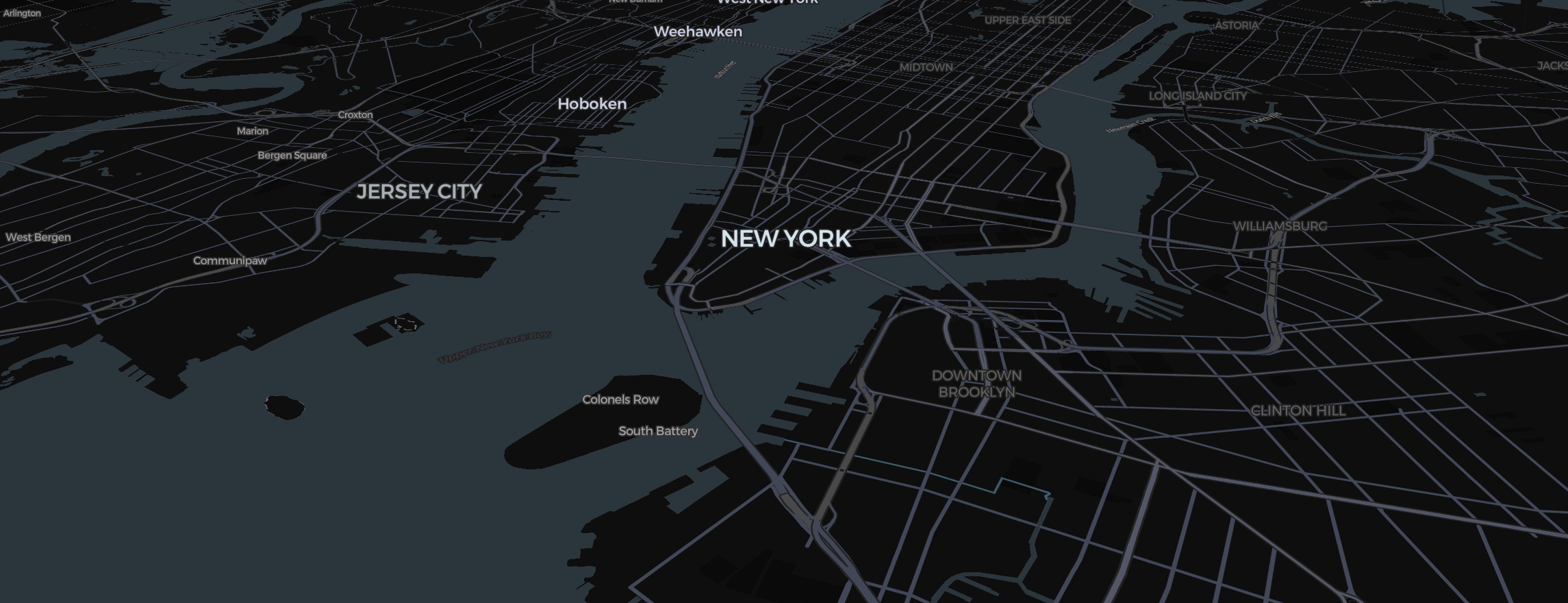
Some cities are flat, but the ones we love to visit—Tokyo, NYC, Chongqing—are vertical wonders. Capturing this urban density in your vlogs adds a high-end feel that standard 2D mapping can't match.
Enabling the 3D Layer
Mapimator renders 3D building data in real-time when using the Streets map type.
- Pitch the Camera: You must pitch the view (Right Click + Drag) to see the buildings "pop up."
- The Golden Zoom: 3D data usually appears between Zoom level 14 and 16. If you’re too far out, the city will look flat; if you’re too close, the textures might get pixelated.
The Cinematic Glide
For a professional urban tour, don't just zoom in.
- Create a Storyboard where the camera "orbits" the city center.
- Set the Easing to Smooth. This creates a parallax effect where buildings in the foreground move faster than the horizon.
Lighting and Style
If you want a futuristic "cyberpunk" aesthetic for cities like Chongqing, use the Dark map type with high-contrast glowing routes. The buildings will appear as dark silhouettes against the glowing streets.
To ensure your viewers see every skyscraper in high-def, make sure to let the Studio finish its rendering preparation when you export the final MP4 (4K on Pro).