
December 19, 2025 · 1 min read
Visualizing Multi-Stop Itineraries in Europe
How to build complex travel stories with 5+ stops while maintaining smooth camera flow.
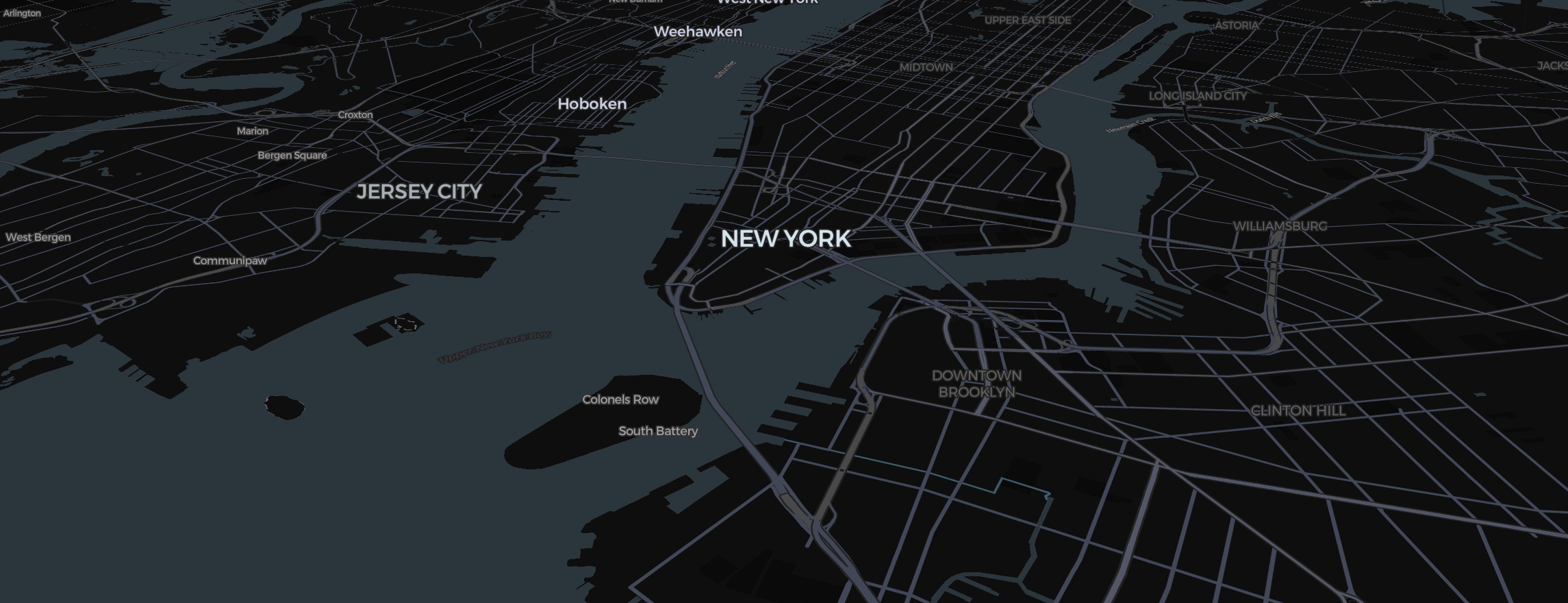
Europe is the world's most popular continent for multi-stop "Grand Tours." For a vlogger, showing a 10-city itinerary like London → Paris → Amsterdam → Berlin → Rome can be a headache. Here is how to use the Template Wizard and manual controls to make it effortless.
The Shortcut: The Travel Story Wizard
Don't draw every line by hand.
- Click Templates in the header (or pick a template on the welcome screen of a new project).
- Select Road trip for driving short legs or Flight for long ones.
- Add your cities in order.
- Click Create my video: the Studio will build all the slides and connections for you.
Fine-Tuning the Pace
A 10-stop journey shouldn't move at the same speed throughout.
- In your Storyboard, give each city "Slide" a label name using the text input at the top of the card.
- Set the Timing between stops to 5.0s. This gives the viewer enough time to recognize the city pin before the camera moves on.
Visual Context
In Europe, countries are small. Use the Region tool to highlight the countries you're visiting in a subtle, semi-transparent color. This grounds the city pins in their national context.
Finally, because Europe is dense with 3D buildings and labels, always let the Studio finish its rendering preparation. This ensures that the transition from London's skyscrapers to the ruins of Rome happens without a single missing texture.